1. Introduction
This article explains How to Enable Interactive Grid Edit Mode Automatically on Page Load. The solution is implemented using a combination of Oracle APEX and Javascript.
2. Tools and Technologies
To achieve the desired functionality, the following technologies are used:
- Oracle APEX
- Javascript
3. Business Requirement
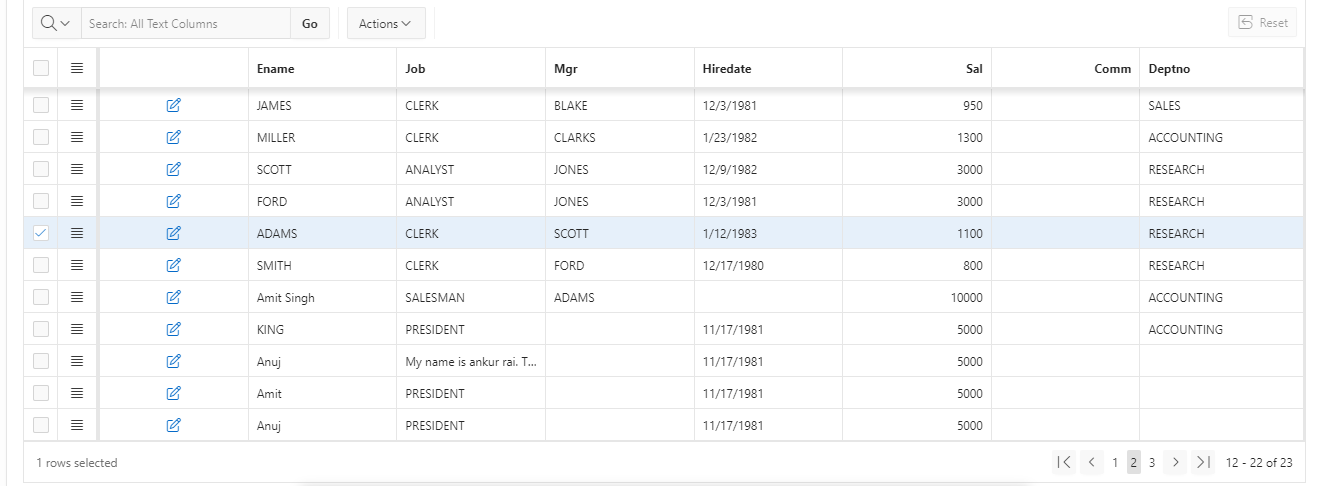
In many business applications, users primarily interact with data in edit mode to perform frequent updates, data entry, or corrections. Requiring users to manually switch the Interactive Grid to Edit Mode on every page load adds unnecessary steps, increases time spent on routine tasks, and impacts productivity.
To improve operational efficiency and user experience, the application must automatically enable Edit Mode for Oracle APEX Interactive Grids when the page loads. This ensures users can immediately start editing data without additional clicks, reduces user friction, minimizes errors caused by missed mode changes, and supports faster business operations – especially in data-intensive environments such as inventory management, HR systems, and transaction processing applications.
The solution should be reusable across multiple pages and components within the Oracle APEX application while maintaining security and performance standards.
4. Implementation Steps
Step 1: Go to the Page Designer
Open Oracle APEX and navigate to Application Builder then select the page that contains your Interactive Grid. After that Click on the Interactive Grid region and then under the Appearance section, add the following value in CSS Classes:
employee_reportStep 2: Create Dynamic on Page Load
Go to Page Designer → Page Load → Dynamic Action → True Action(Execute Javascript). And Paste the below Javascript snippet and save the page.
apex.region("employee_report").call("getActions").set("edit", true)Step 3: Save and Run the page
5. Output
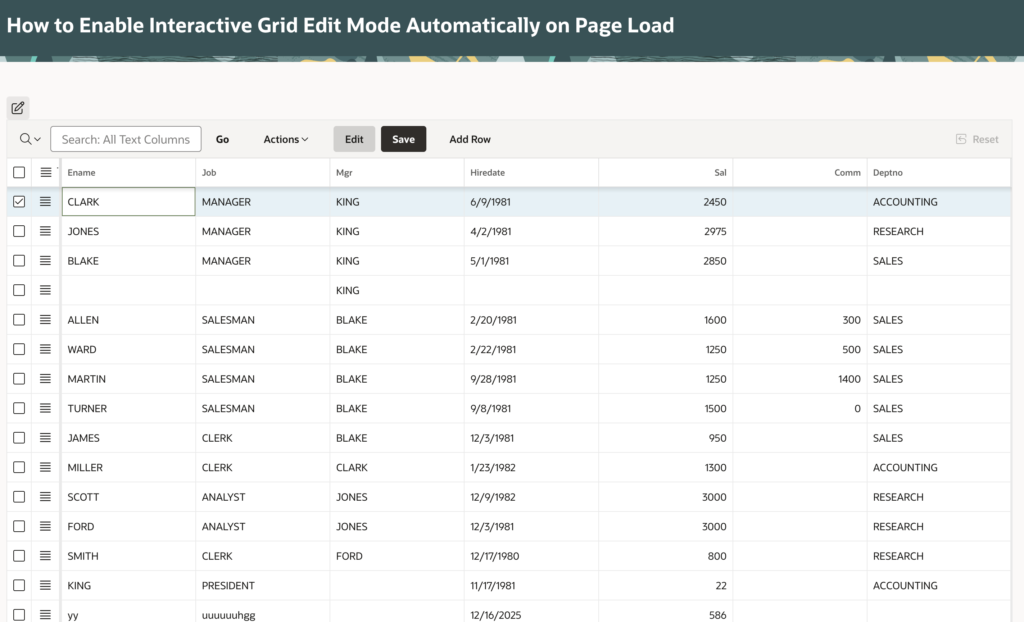
Following the above steps, you can Enable Interactive Grid Edit Mode Automatically on Page Load. This ensures a smoother and more user-friendly experience.
Thanks for reading! We hope this guide helped you to Enable Interactive Grid Edit Mode Automatically on Page Load.

Hi, I’m Ankur Rai, an Oracle APEX Developer with 6+ years of professional experience in building enterprise applications. I specialize in creating scalable and efficient solutions using Oracle APEX, PL/SQL, and SQL to solve real-world business challenges.
I am a 3X Oracle APEX Professional Certified Developer and also an Oracle ACE Associate Member, actively contributing to the Oracle community by sharing knowledge, insights, and best practices. Through my blogs, I aim to help developers learn, grow, and build better Oracle APEX applications together.