

1. Introduction
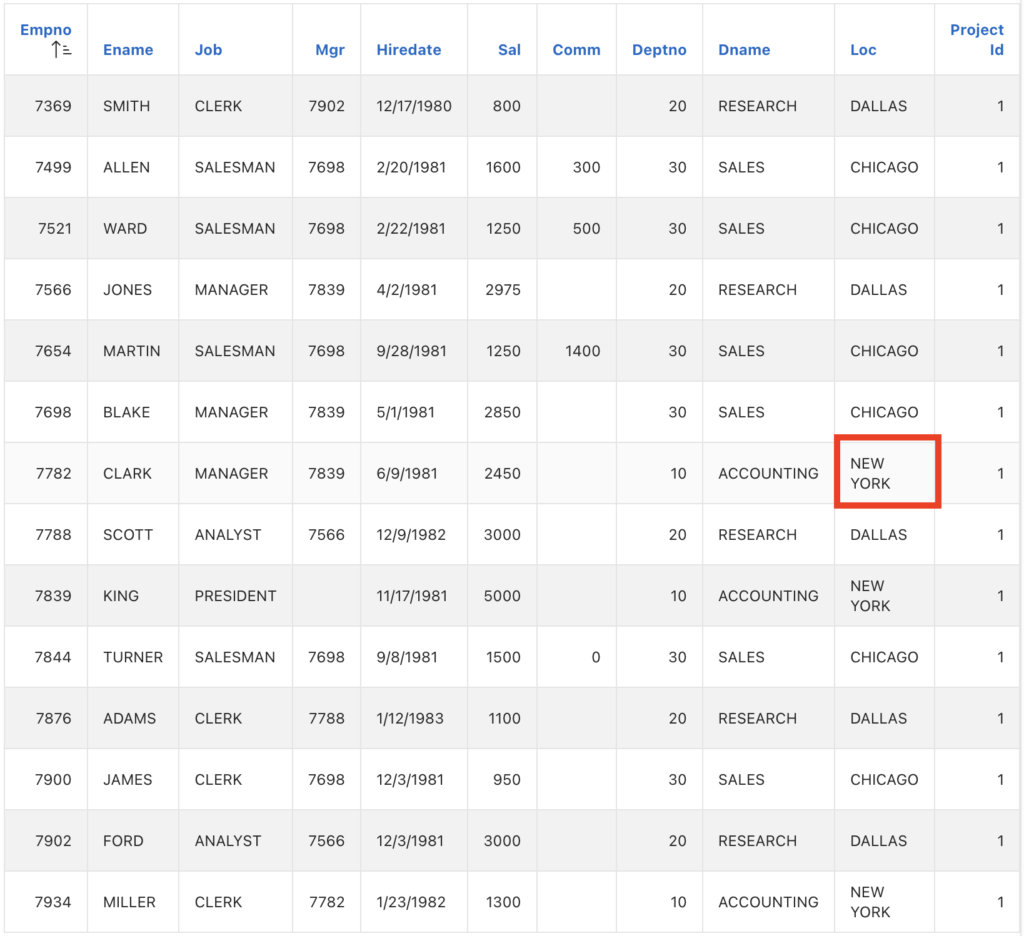
This article explains How to Improve Reports Readability in Oracle APEX with No-Wrap Columns. The solution is implemented using a combination of Oracle APEX and CSS.
2. Tools and Technologies
To achieve the desired functionality, the following technologies are used:
- Oracle APEX
- CSS
3. Business Requirement
Business users frequently rely on Oracle APEX reports to review and analyze operational and transactional data. Many of these reports contain a large number of columns, causing important fields such as IDs, reference numbers, dates, and codes to wrap onto multiple lines. This wrapping negatively impacts readability, usability, and overall user experience.
Problem Statement
• Wrapped data makes reports harder to scan and understand quickly
• Misaligned rows lead to confusion and increase the risk of misinterpretation
• Users spend additional time adjusting column widths or exporting data to external tools (Excel) for better viewing
• The overall professionalism and clarity of the application is reduced
4. Implementation Steps
Step 1: Go to the Page Designer
Go to the report in Page designer. Add below CSS Class in Report column as below.
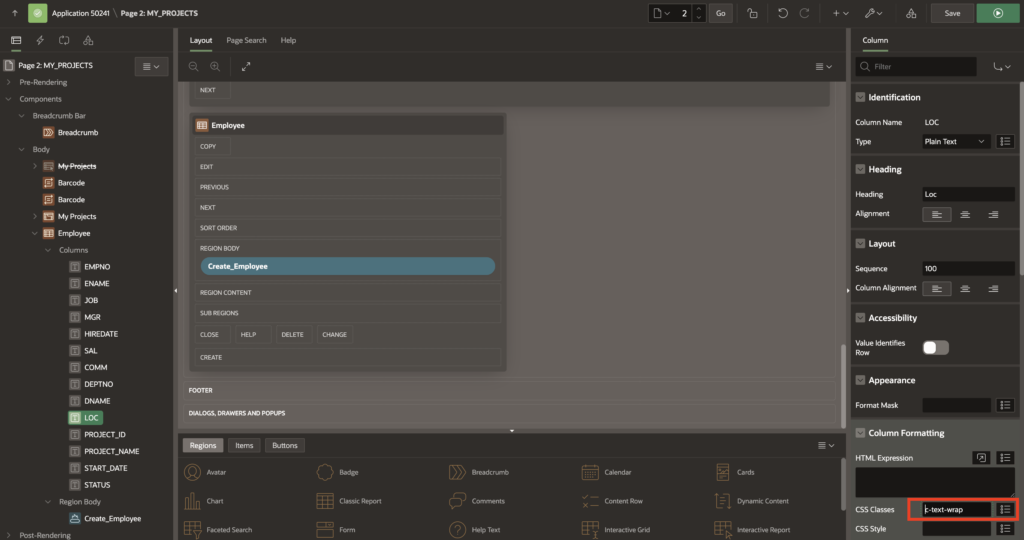
c-text-wrapStep 2: Now go to the page inline CSS
On same page, go to page inline css and paste below code.
.c-text-wrap{
    white-space: nowrap;
}
Step 3: Save and Run the page
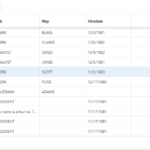
5. Output
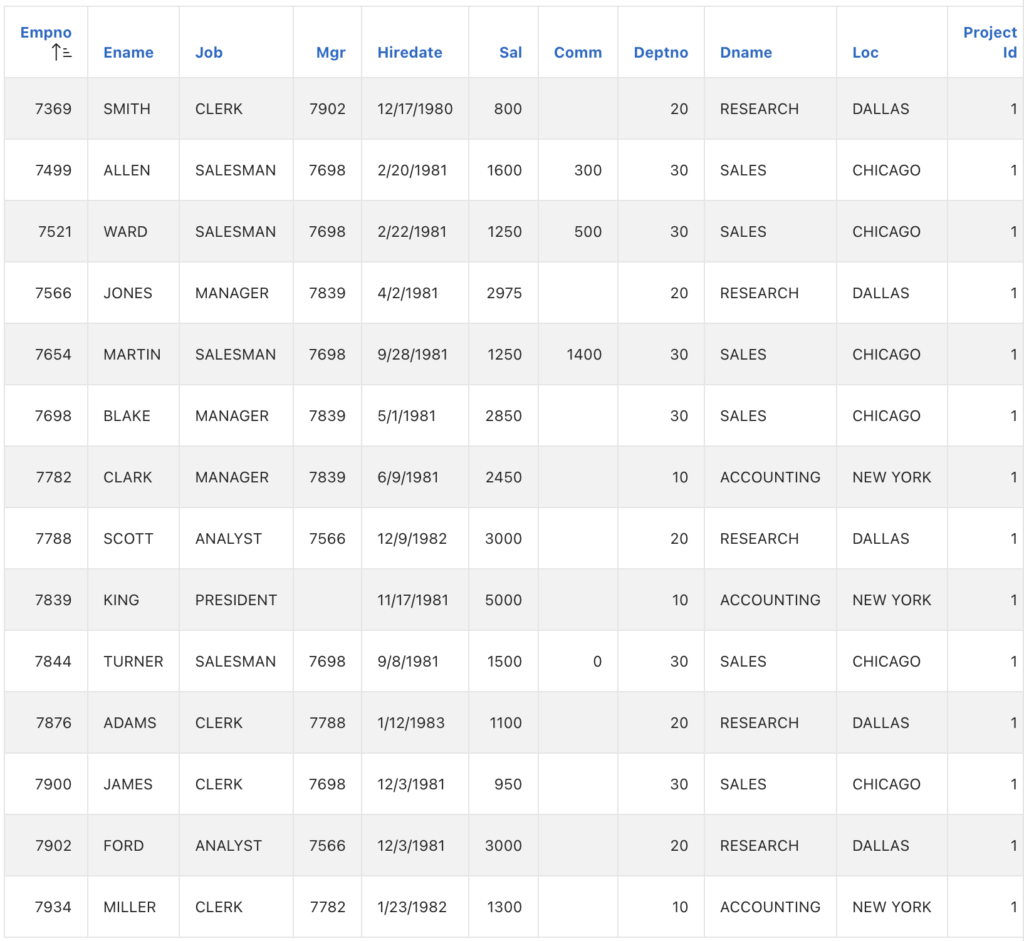
Following the above steps, you can Improve Reports Readability in Oracle APEX with No-Wrap Columns. This ensures a smoother and more user-friendly experience.
Thanks for reading! We hope this guide helped you to Improve Reports Readability in Oracle APEX with No-Wrap Columns.

Hi, I’m Ankur Rai, an Oracle APEX Developer with 6+ years of professional experience in building enterprise applications. I specialize in creating scalable and efficient solutions using Oracle APEX, PL/SQL, and SQL to solve real-world business challenges.
I am a 3X Oracle APEX Professional Certified Developer and also an Oracle ACE Associate Member, actively contributing to the Oracle community by sharing knowledge, insights, and best practices. Through my blogs, I aim to help developers learn, grow, and build better Oracle APEX applications together.



In the Universal theme, there are also two standard CSS classes you can use:
u-nowrap
u-flex-wrap-nowrap
See the UT demo application