
Introduction
Oracle APEX 26.1 brings several exciting improvements that make application development faster, cleaner, and more developer-friendly. While features like AI capabilities, APEXLang, and Natural Language support have received a lot of attention, this release also introduces many smaller enhancements that can significantly improve daily development workflows.
One of the notable improvements is the enhancement of the Interactive Report JavaScript API.
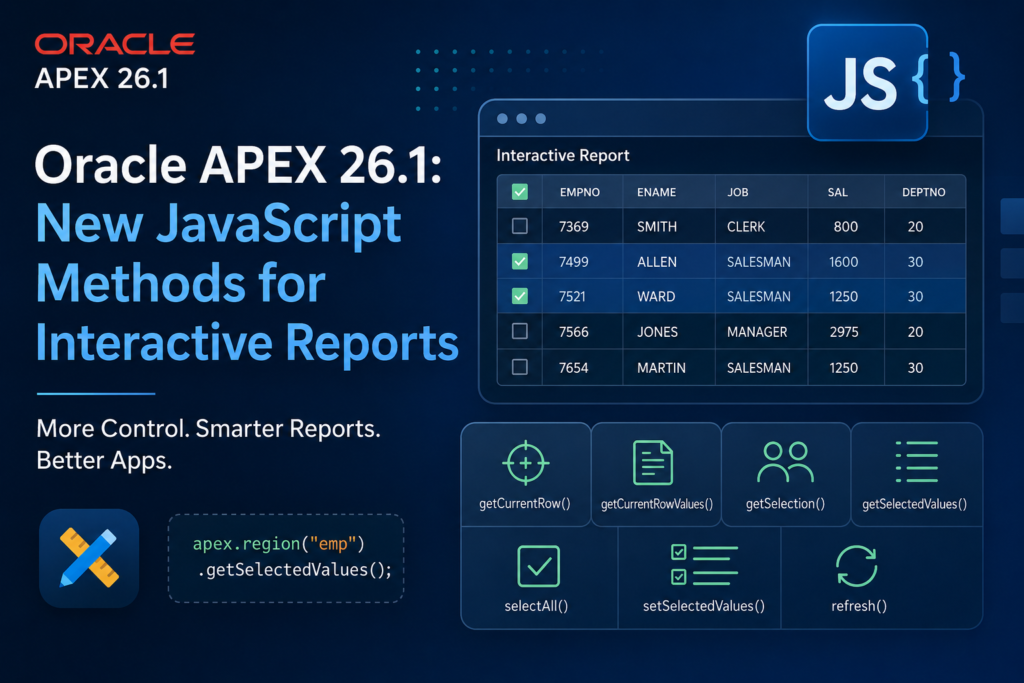
With Oracle APEX 26.1, developers now have new JavaScript methods to interact with Interactive Reports more easily — including getting selected rows, controlling row selection, refreshing reports, and working with current row data.
These enhancements reduce the need for custom JavaScript workarounds and make Interactive Reports more flexible.
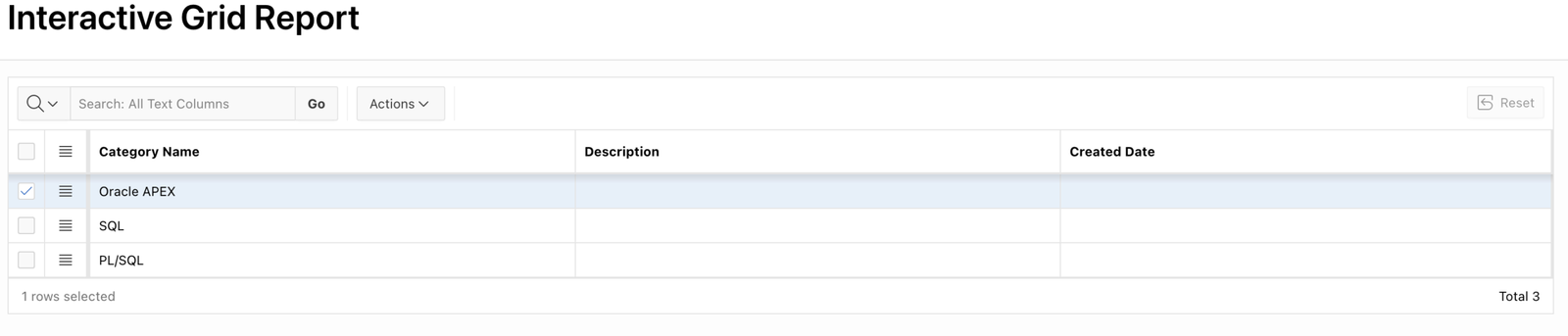
Prerequisite: Enable Row Selection
Before using these methods, your Interactive Report must support row selection.
Add the following column to your Interactive Report query:
APEX$ROW_SELECTORExample:
SELECT
    APEX$ROW_SELECTOR,
    EMPNO,
    ENAME,
    JOB,
    SAL
FROM EMP;
Also make sure your Interactive Report region has a Static ID.
Example:
empYou can then access your region using:
apex.region("emp")1. getCurrentRow()
The getCurrentRow() method returns the current row as a jQuery object.
The current row means the row that currently has focus or had focus last.
Syntax
var row = apex.region("emp").getCurrentRow();

console.log(row);
Example Output
<tr data-id="7369">
    <td>7369</td>
    <td>SMITH</td>
</tr>
Use Case
You can use this method when you want to:
- Read data from the active row
- Apply custom styling
- Open details for the selected record
Example:
var currentRow = apex.region("emp").getCurrentRow();

currentRow.css("font-weight","bold");
2. getCurrentRowValue()
This method returns the primary key value of the current row.
The value comes from the row’s data-id attribute.
Example
var empId = apex.region("emp").getCurrentRowValue();

console.log("Employee ID:", empId);
Output:
Employee ID: 7369Real-Time Example
Open employee details:
var empId = apex.region("emp").getCurrentRowValue();

apex.item("P1_EMPNO").setValue(empId);
3. getSelection()
The getSelection() method returns all currently selected rows as a jQuery collection.
Example
var selectedRows = apex.region("emp").getSelection();

console.log(selectedRows);
You can loop through selected rows:
selectedRows.each(function(){

    console.log($(this).attr("data-id"));

});
Output:
7369
7499
7521
4. getSelectedValues()
This method returns the primary key values of all selected rows as an array.
Example
var ids = apex.region("emp").getSelectedValues();

console.log(ids);
Output:
[
 "7369",
 "7499",
 "7521"
]
Practical Example
Delete selected employees:
var employees =
    apex.region("emp").getSelectedValues();

console.log(employees);
You can send these IDs to PL/SQL processes.
5. selectAll()
The selectAll() method selects all currently visible rows.
Example
apex.region("emp").selectAll();After execution:
- All visible rows become selected
- Selected rows can be retrieved using
getSelectedValues()
Use Case
Bulk operations:
- Delete multiple records
- Export selected data
- Update multiple rows
6. setSelectedValues()
This method allows developers to programmatically select specific rows.
You need to provide an array containing the row IDs.
Example
Select employees:
apex.region("emp")
.setSelectedValues(
    ["7369","7499","7521"],
    true
);
The second parameter:
truehighlights the selected rows.
7. refresh(pKeepPagination)
The refresh method reloads the Interactive Report.
Normal Refresh
apex.region("emp").refresh();This reloads the report and resets pagination.
Keep Current Page After Refresh
apex.region("emp")
.refresh(true);
The parameter:
truekeeps the user on the same pagination page.
Real-Time Example: Interactive Report Toolbar Button
Imagine you have a button:
Approve Selected EmployeesJavaScript:
var selected =
    apex.region("emp")
    .getSelectedValues();

if(selected.length === 0){

    apex.message.alert(
      "Please select at least one employee"
    );

}
else{

    console.log(
      "Selected employees:",
      selected
    );

}
This can then call a PL/SQL process to approve multiple records.
Before Oracle APEX 26.1
Developers often had to:
- Manually find selected rows using jQuery
- Read
data-idattributes manually - Create custom selection logic
- Handle refresh events manually
Example:
$(".a-IRR-table tr.is-selected")Now this becomes:
apex.region("emp")
.getSelectedValues();
Much cleaner and supported by the APEX API.
Benefits of New Interactive Report APIs
Cleaner JavaScript
Less custom DOM manipulation.
Better Maintainability
Uses official APEX JavaScript APIs.
Faster Development
Common Interactive Report tasks require fewer lines of code.
Better User Experience
Developers can create advanced features like:
- Bulk actions
- Custom buttons
- Row-based navigation
- Dynamic highlighting
- Selection-based processing
Conclusion
Oracle APEX 26.1 improves Interactive Reports with powerful new JavaScript methods that simplify report customization.
Methods like:
getCurrentRow()getCurrentRowValue()getSelection()getSelectedValues()selectAll()setSelectedValues()refresh()
give developers better control over Interactive Reports without relying on complex JavaScript hacks.
These enhancements may look small, but they make enterprise Oracle APEX development cleaner, faster, and more maintainable.
References:
Oracle APEX 26.1 JavaScript API Documentation:
https://docs.oracle.com/en/database/oracle/apex/26.1/aexjs/interactiveReportRegion.html
Oracle APEX Region Refresh API:
https://docs.oracle.com/en/database/oracle/apex/26.1/aexjs/region.html#refresh

A dedicated, highly conscientious and proactive Senior Oracle Developer with a strong technical background who possesses self-discipline and the ability to work with the minimum of supervision. My expertise spans in relation to the Oracle Database and it’s tool sets, say, SQL, PL/SQL, Oracle APEX, Forms, Reports and other web technologies like HTML, Javascript, jQuery and CSS. For me, each day is a challenge and an opportunity to learn new things. My aim is to share new things and knowledge to the world of APEX development and enlight the features of Oracle APEX.