Introduction
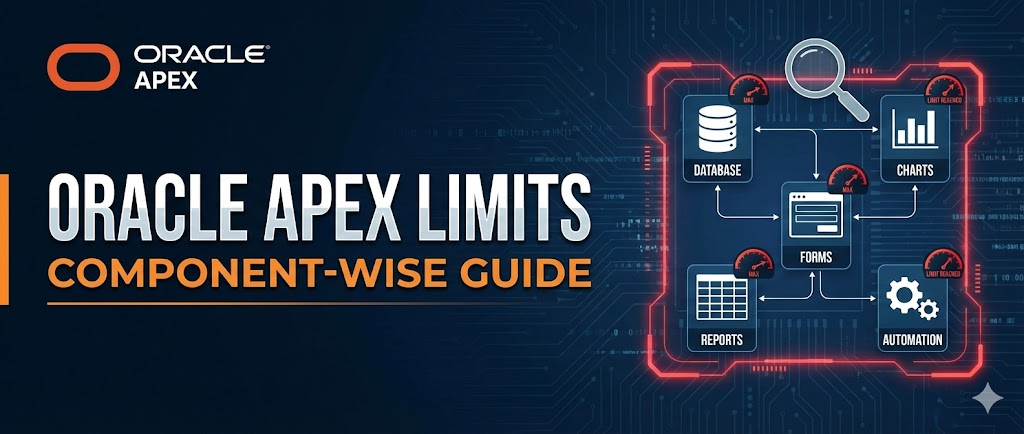
Oracle APEX is a powerful low-code platform that allows developers to build scalable enterprise applications rapidly. While APEX offers a rich set of features, every component comes with certain limits that developers should be aware of to avoid unexpected issues during development or production.
In this blog, we’ll walk through important Oracle APEX component limits, covering reports, forms, data loading, validations, exports, and more. Understanding these limits early helps in better design decisions and smoother application delivery.
🔧 Tools & Technologies
- Oracle APEX
- Interactive Reports
- Classic Reports
- Forms & Tabular Forms
- Native PDF & Excel Exports
🎯 Why Knowing APEX Limits Matters
Ignoring platform limits can lead to:
- Truncated data in reports
- Export failures
- Unexpected runtime errors
- Design rework at later stages
✔ Better application architecture
✔ Improved performance
✔ Fewer production issues
🧩 Oracle APEX Component Limits
Below is a component-wise breakdown of key Oracle APEX limits.
1️⃣ Data Loading
When loading data using APEX data load utilities:
- Maximum columns supported: 45
📌 Applies to legacy and standard data loading features.
2️⃣ Report Export (External Print Server)
When exporting Interactive Reports or Classic Reports using an external print server:
- Template header sub-template limit: 32 KB
- Approximate column support: ~26 columns or fewer
- Depends on column alias length
⚠ Longer column aliases reduce the total number of supported columns.
3️⃣ Forms
Item Limits
- Text Area / Rich Text Editor: 32,767 bytes
Primary Key Limit
- Built-in DML processes support only 2 primary key columns
- If more than two PK columns exist:
- Use ROWID instead
✔ Important when working with legacy or complex schemas.
4️⃣ Interactive Reports
- Column Heading Filter Limit:
- 999 rows per filter (when no custom LOV is defined)
- Chart Data Points:
- Maximum 10,000 data points per chart
📊 Exceeding these limits may result in missing or incomplete rendering.
5️⃣ Item Naming
- Maximum item name length: 30 characters
⚠ Items longer than 30 characters:
- Cannot be referenced using bind variable syntax
- May cause runtime or compilation issues
📌 Always follow standard item naming conventions.
6️⃣ Native PDF & Excel Support
Oracle APEX provides native export to PDF and Microsoft Excel for basic reporting needs.
Known Limitations
- A single row may span multiple lines
- Only one page break per row
- Text is truncated if it exceeds the limit
Excel
- Maximum cell text size: 32 KB
- Text is truncated if the limit is exceeded
📌 For advanced layouts or complex reporting, Oracle recommends using a report server.
7️⃣ Tabular Forms (Legacy)
- One wizard-generated tabular form per page
- Maximum editable columns:50
- Uses: apex_application.g_f01 to apex_application.g_f50
- Applies to:
- Built-in tabular form display types
- APEX_ITEM-based implementations
8️⃣ Validations
- Maximum validation text length: 3,950 characters
✔ Applies to validation messages and logic text.
🏁 Conclusion
Oracle APEX is extremely flexible, but understanding its built-in limits is essential for building reliable and scalable applications. Knowing these constraints upfront helps you:
✔ Avoid data truncation
✔ Design smarter reports and forms
✔ Reduce rework and production issues
As a best practice, always consider these limits during application design, not after deployment.
Refer link
🔗 Final Thoughts
If you found this blog helpful:
👍 Like
🔄 Share with your APEX network
💬 Comment with additional limits or experiences
📌 Bookmark for future reference
Happy APEXing! 🚀
Love coding? Me too! Let’s keep in touch – subscribe to my website for regular chats on Oracle APEX, PL/SQL,SQL JavaScript, and CSS.