Introduction
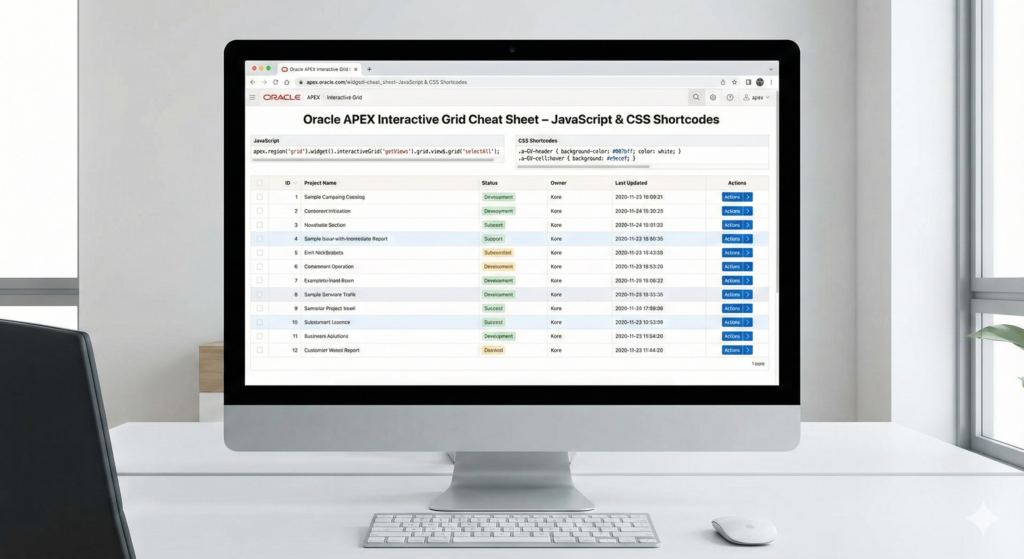
Interactive Grid (IG) in Oracle APEX is powerful, but mastering a few reusable JavaScript and CSS snippets can significantly improve productivity and user experience. Below are short, practical IG shortcuts that you can quickly plug into your applications.
1. Disable Column Reorder & Resize
Prevent users from rearranging or resizing grid columns.
📍 Where to use:
Interactive Grid → Advanced → JavaScript Initialization Code
function (options) {
    options.defaultGridViewOptions = {
        reorderColumns: false,
        resizeColumns: false
    };
    return options;
}
2. Hide the Save Button
Hide the Save button when changes should be controlled programmatically.
📍 Where to use:
Page → Inline CSS
#gridID button[data-action="save"] {
    display: none !important;
}
3. Process Grid Model on Row Selection
Access column values when rows are selected.
📍 Where to use:
Dynamic Action → Event: Selection Change
var model = this.data.model;

for (var i = 0; i < this.data.selectedRecords.length; i++) {
    model.getValue(this.data.selectedRecords[i], "<COLUMN_ALIAS>");
}
4. Get Selected Row Values Using Grid ID
Fetch column values from the selected row using model indexes.
let gridView = apex.region("<GRID_ID>")
                   .widget()
                   .interactiveGrid("getViews")
                   .grid;

let selectedRecords = gridView.getSelectedRecords();

// Get column indexes
let col1Idx = gridView.modelColumns['<COLUMN_1>'].index;
let col2Idx = gridView.modelColumns['<COLUMN_2>'].index;

if (selectedRecords.length === 1) {
    console.log(selectedRecords[0][col1Idx]);
    console.log(selectedRecords[0][col2Idx]);
}
5. Common Interactive Grid Actions
Trigger built-in IG actions using JavaScript.
// Save changes
apex.region("emp").call("getActions").invoke("save");

// Enable edit mode
apex.region("emp").call("getActions").invoke("edit");

// Refresh grid
apex.region("emp").call("getActions").invoke("refresh");

// Refresh selected rows only
apex.region("emp").call("getActions").invoke("selection-refresh");
6. Enable Horizontal Scrollbar in Header
Adds a horizontal scrollbar to the IG header for wide grids.
📍 Where to use:
Inline CSS
#grid_id .a-GV-w-hdr {
    overflow-x: auto !important;
}
7. Enable Persistent Row Selection
Keeps selected rows highlighted even after refresh.
📍 Where to use:
JavaScript Initialization Code
function (config) {
    config.defaultGridViewOptions = {
        persistSelection: true
    };
    return config;
}
🔥 More Useful Oracle APEX Interactive Grid Shortcodes
9. Disable Editing for a Specific Row
if (this.data.record.STATUS === 'CLOSED') {
    this.data.record.meta.readonly = true;
}
10. Get Row Count
var grid = apex.region("emp").widget().interactiveGrid("getViews","grid");
console.log(grid.model.getTotalRecords());
11. Clear All Selected Rows
apex.region("emp").widget()
    .interactiveGrid("getViews","grid")
    .clearSelection();
12. Set Focus on a Column
apex.region("emp").widget()
    .interactiveGrid("getViews","grid")
    .setActiveCell(recordId, "COLUMN_NAME");
13. Refresh Grid After Process
apex.region("emp").refresh();Enjoyed this post? Share it with your friends and family and help us spread the knowledge while appreciating our work.
Love coding? Me too! Let’s keep in touch – subscribe to my website for regular chats on Oracle APEX, PL/SQL,SQL JavaScript, and CSS.